
Everything is a card.
Canvases support 14 different card types so you can mix any kind of content in one space.
•Notes - Markdown text for thoughts, drafts, annotations
•Snippets - Extracted passages with source attribution
•AI Answers - Saved responses from the Command Center
•Links & Bookmarks - URLs with auto-fetched previews
•Images, Video, and Audio with transcription support
•Pages, Documents, and Threads as referenced cards
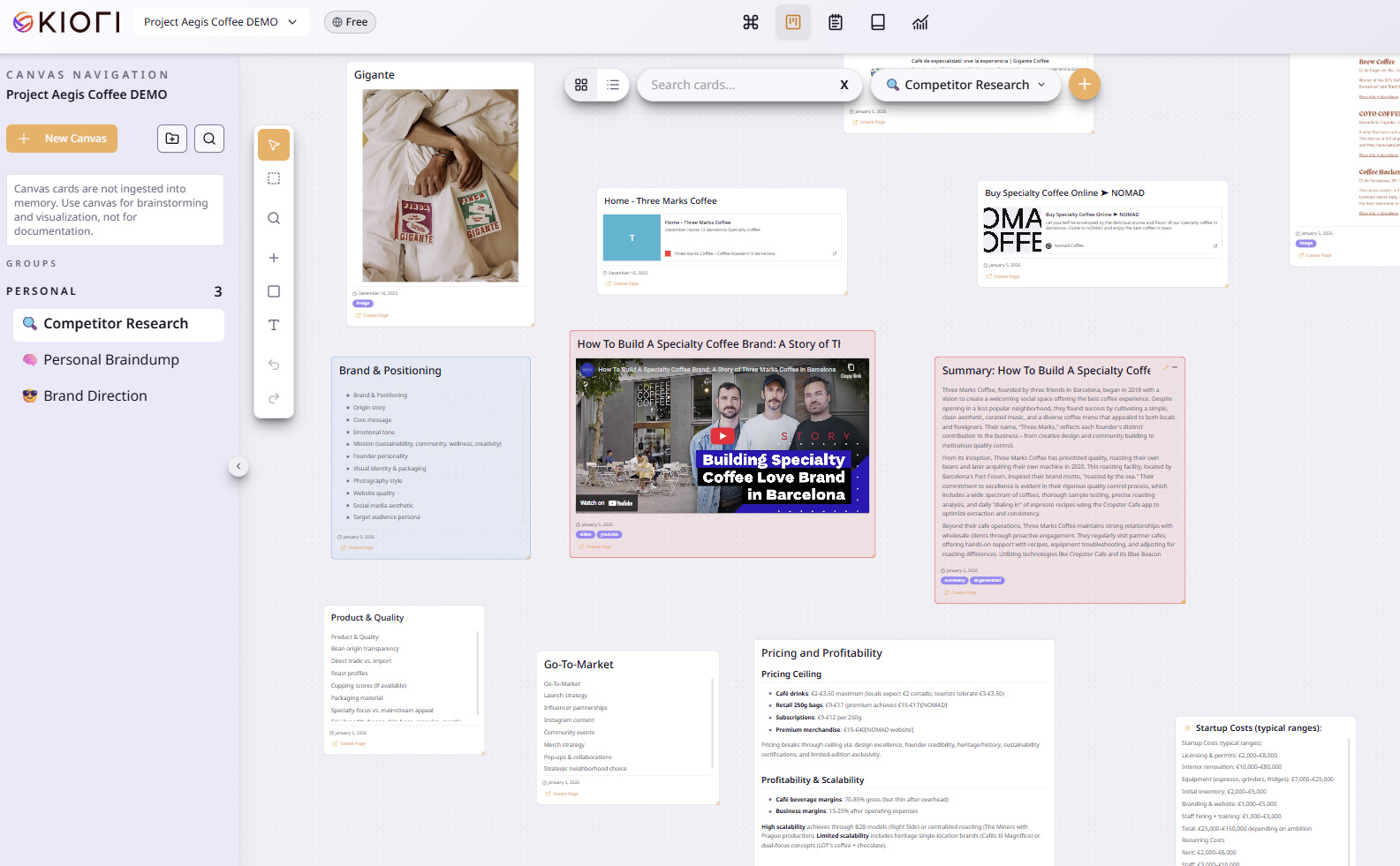
Think visually. Arrange freely.
Create unlimited canvases for projects, themes, and initiatives. A focused space where you drag, resize, and group cards - designed to encourage cleanup and prioritization, not endless sprawl.
•Create canvases for projects, themes, initiatives, or research topics
•Drag, resize, and group cards to build your own structure
•Organize canvases in folders for quick navigation
•Focused space - intentionally bounded to keep things organized
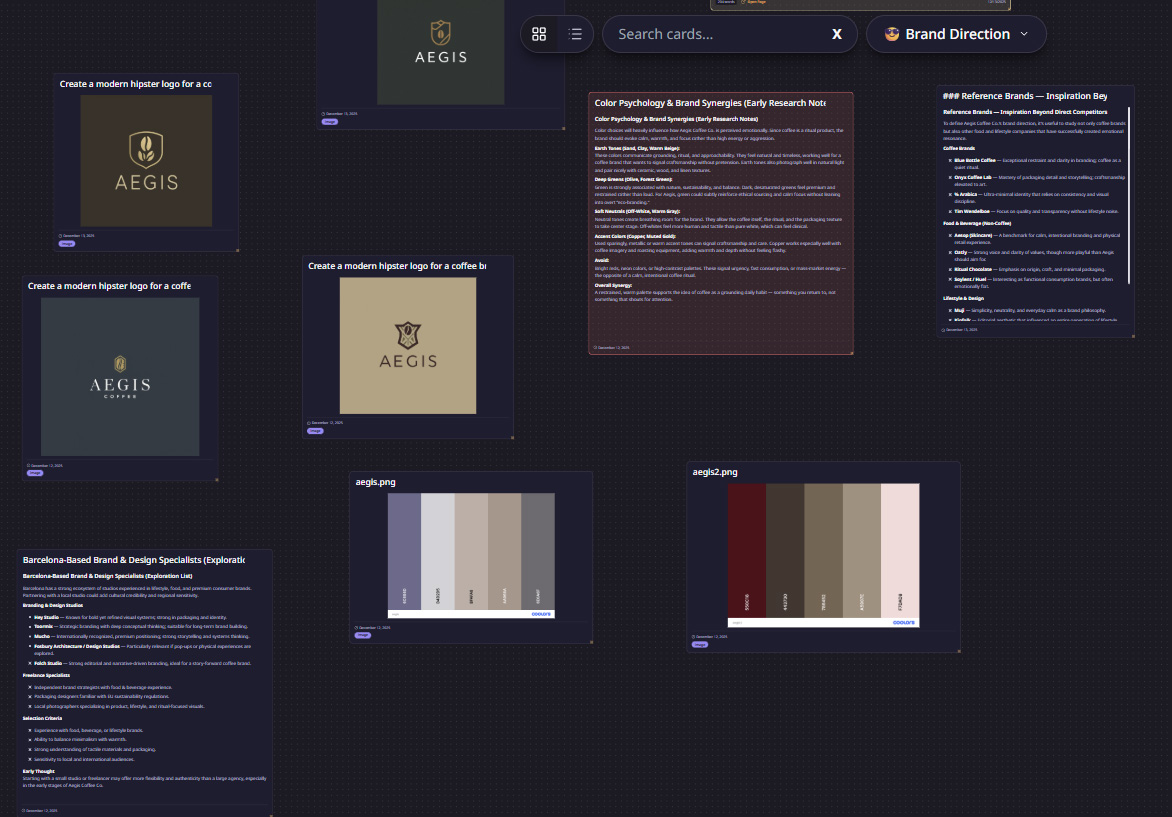
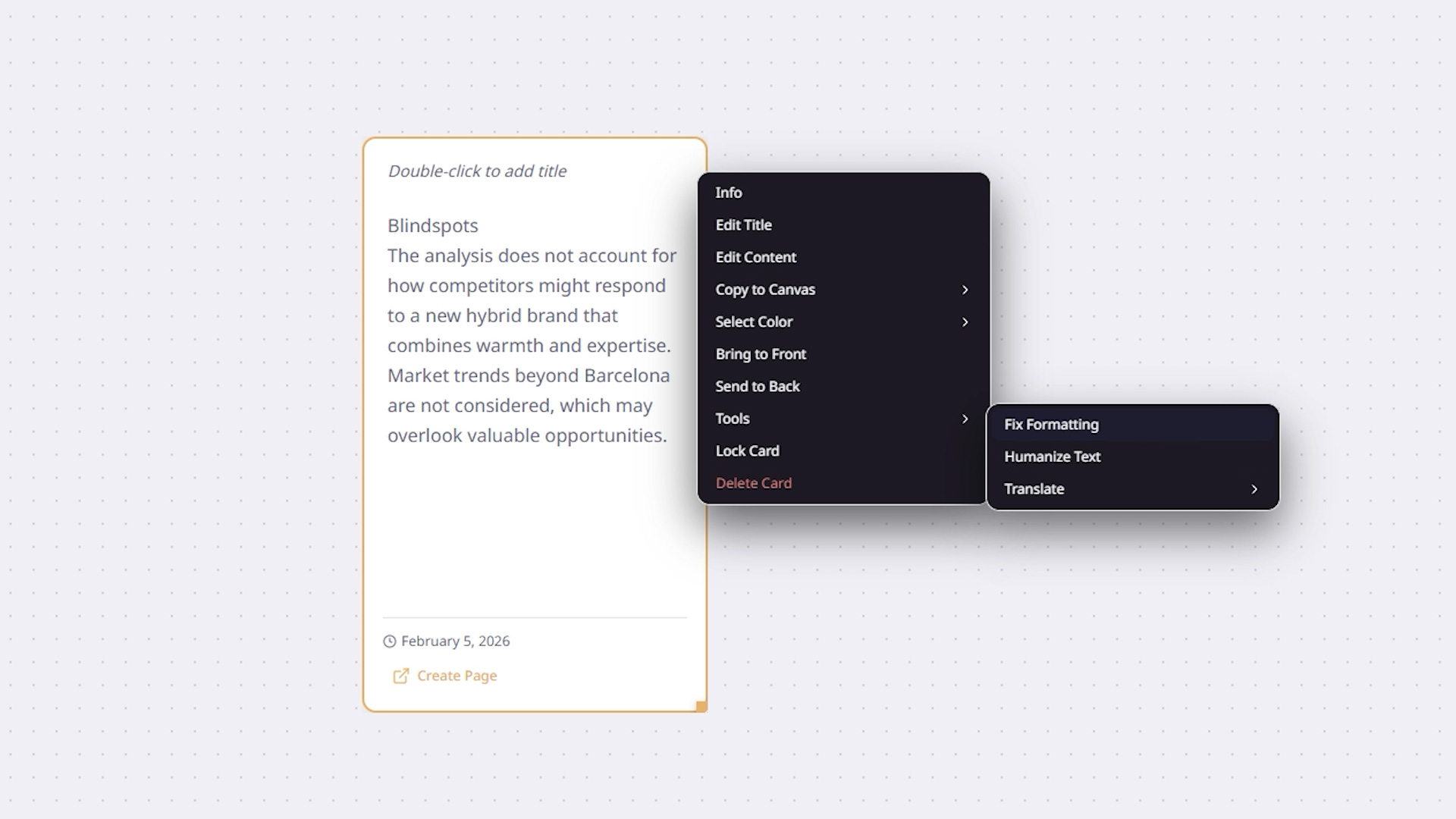
Let AI work on your canvas.
The Canvas Agent can analyze your entire board, find what's missing, and help you build on what's there.
•Ask the Canvas Agent about blindspots, themes, or coverage gaps
•Find Related Content - semantic search across your cards
•Summarize - ask AI to generate summaries from selected cards or the entire canvas
•Transcribe Video - paste a YouTube URL, get a full transcript as a card
•Transcribe Audio - upload audio files and get transcriptions
•Scrape Links - extract and process URLs from your cards
•Create Page from Cards - select cards and generate a structured page
Share your boards.
Control who sees your canvases with flexible sharing options.
•Private - only you can see it
•Workspace - visible to all workspace members
•Public link - anyone with the link can view
•Role-based access - assign editor or viewer roles